

TL;DR:
If you have solar panels Pacific Northwest weather can make production look "uneven," so the key is to track performance in the right way. In your first year, focus on production trends, utility bill behavior, and any unexpected dips.
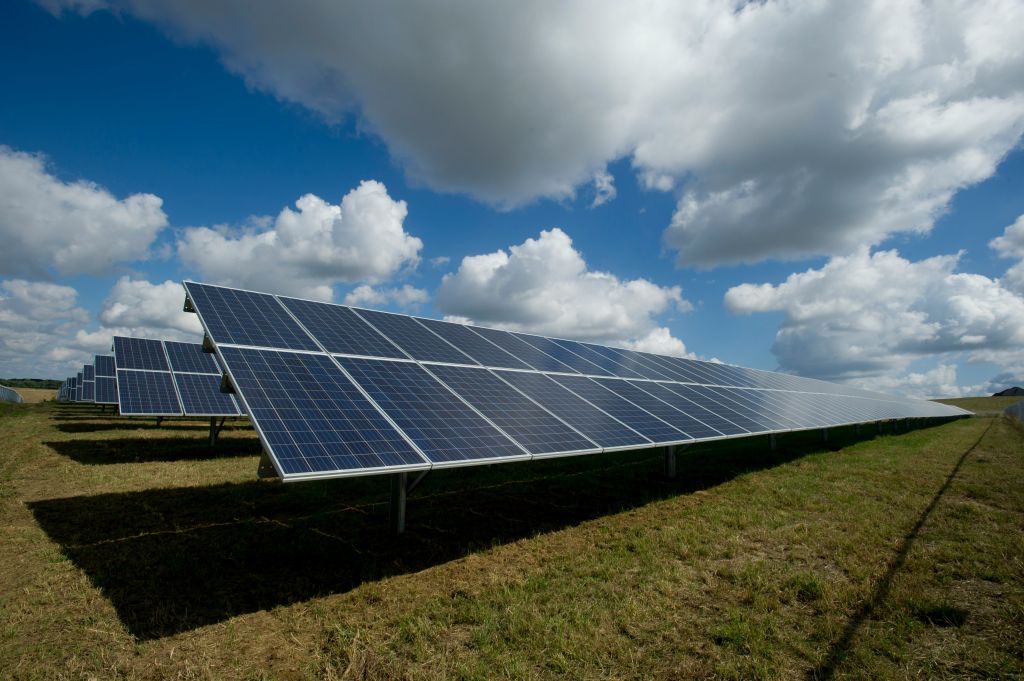
> Image credit: American Public Power Association (Unsplash) — https://unsplash.com/photos/513dBrMJ_5w
If this is your first year with solar, it is normal to have questions. The Pacific Northwest has long stretches of clouds, shorter winter days, and lots of “should I be worried?” moments when you see your daily kWh swing up and down.
This guide is a practical first year solar checklist you can use to make sure your system is doing what it should, your bill savings are showing up, and you know when to call your installer.
Key Takeaways
- Your daily output will bounce around, especially in PNW winters. Look at weekly and monthly trends.
- Compare monitoring data to your utility bills so net metering and billing cycles do not confuse the story.
- Set a baseline in spring and summer so you can spot abnormal dips later.
- Keep notes on shading changes, storms, and any electrical work in the home.
First year solar checklist: what should you track?
Start with three buckets: production, billing, and system health.
Production monitoring:
Most inverters and monitoring apps show daily, monthly, and lifetime energy. In the first year, you want to know what “normal” looks like for your roof.
- Daily kWh (use it for patterns, not panic)
- Monthly kWh (your best “apples to apples” view)
- Peak production months (usually late spring through summer)
Billing:
With net metering, your utility bill can lag behind what you see in the app. Billing cycles, delivery charges, and minimum fees mean “my app says I produced a lot” does not always equal “my bill is zero.”
- Track your total bill amount
- Track kWh imported vs. exported if your utility shows it
- Track credit balances, if applicable
System health:
Some issues are obvious, others are subtle.
- Error messages in your inverter app
- Breaker trips
- Unusual production drops on clear days
[Internal Link: net metering in Washington]
Solar production monitoring in the PNW: what is normal?
Solar production monitoring can feel confusing in the Pacific Northwest because weather swings are real. A rainy week can cut output dramatically, even if the system is fine.
Here is a realistic way to set expectations:
- Winter: short days, low sun angle, more clouds. Production may be a fraction of summer.
- Spring: big ramp-up as days lengthen.
- Summer: long days, higher daily totals. Heat is usually not extreme, which helps efficiency.
- Fall: gradual decline.
If you are a residential homeowner with a typical 10 kW system, you might see strong summer days and “quiet” winter days. What matters is whether the curve looks reasonable for the season.
🔎 A good habit: once a month, screenshot your monitoring app’s monthly production chart.
PNW net metering: how to sanity-check savings
PNW net metering rules vary by utility, but the practical advice is consistent: compare the right windows.
- Pick a billing cycle.
- Look at solar production during that same cycle.
- Look at your imported energy (what you still bought from the grid).
- Look at exports and any credits.
If your bill is not dropping the way you expected, do not assume the panels are failing. Common explanations include:
- A rate increase or seasonal rate change
- An unusually cold month with higher heating loads
- A new appliance or EV charging
- A billing cycle that spans cloudy weeks
For a credible reference on how solar performance is evaluated, see NREL’s solar research resources: https://www.nrel.gov/solar/
When should you call your installer?
Call your installer if you see one of these patterns:
- A sudden, sustained production drop that does not match weather (especially on clear days)
- Repeated inverter errors
- A string-level issue (if your system reports by panel or string)
- Physical damage after a storm
If you are not sure, gather this info first:
- Screenshots of the error message
- A week of daily production totals
- Your last utility bill
- Notes on any recent electrical work in the home
Closing: make year one boring
The best outcome is a “boring” first year. Quiet monitoring. Predictable seasonal swings. Bills that steadily improve.
Pull your last two electric bills and compare them to your monitoring app this week. If something looks off, it is much easier to address early than to let a small issue drag on for months.
